
If you’ve ever watched someone with dyslexia wrestle with a page of text—eyes darting, fingers tracing words, shoulders tensing—you know how emotionally taxing reading can be. For students, professionals, and lifelong learners alike, traditional reading isn’t just slow; it’s exhausting. That’s where a dyslexia read aloud app transforms the experience from painful to empowering. In this guide, we’ll explore seven actionable strategies to choose and use these tools effectively—so reading becomes accessible, not an obstacle.
Table of Contents
- Why Dyslexia Read Aloud Tools Matter
- How to Choose and Use a Dyslexia Read Aloud App
- Best Practices for Maximizing Effectiveness
- Real-World Success Stories
- FAQs About Dyslexia Read Aloud Apps
Key Takeaways
- A quality dyslexia read aloud app supports comprehension by converting text to natural-sounding speech.
- Not all apps offer dyslexia-friendly fonts, pacing control, or document compatibility—features that make or break usability.
- Integrating audio support early improves academic performance and reduces anxiety, per research from the National Center for Learning Disabilities.
- Free trials are essential; voice quality and navigation can vary wildly between platforms.
Why Dyslexia Read Aloud Tools Matter
Dyslexia isn’t about intelligence—it’s a neurobiological difference affecting how the brain processes written language. According to the International Dyslexia Association, up to 15–20% of the population shows signs of dyslexia. Without support, individuals often avoid reading altogether, limiting educational and career opportunities.
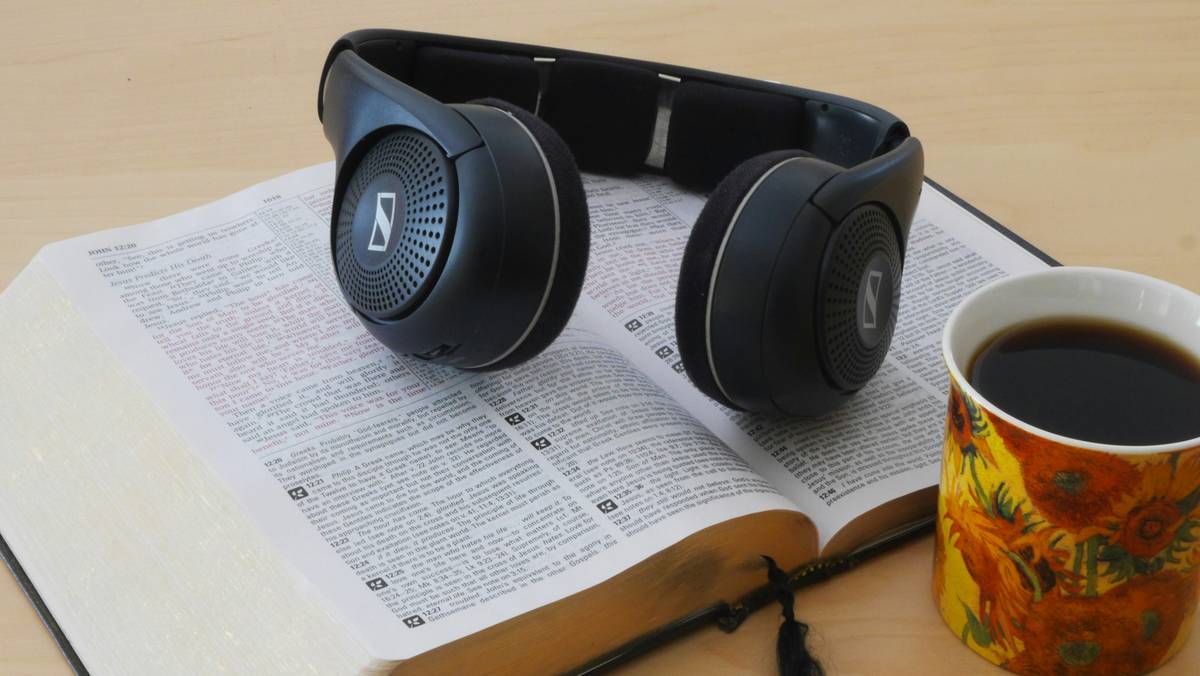
I learned this the hard way. Early in my tutoring career, I recommended a popular text-to-speech tool that used robotic, monotone audio. My student—a bright high schooler—stopped using it after two days. “It sounds like a robot judging me,” he said. That moment taught me: voice quality and emotional tone matter as much as functionality. A good dyslexia read aloud app doesn’t just read—it engages.
How to Choose and Use a Dyslexia Read Aloud App
Step 1: Prioritize Natural-Sounding Voices
Look for apps using AI-powered voices (like Amazon Polly or Google WaveNet) instead of legacy synthetic speech. Natural intonation improves comprehension and reduces cognitive load.
Step 2: Check Document Compatibility
Can it handle PDFs, web pages, and scanned textbooks? Apps like NaturalReader and Speechify support OCR (optical character recognition), crucial for printed materials.
Step 3: Test Customization Features
Adjustable reading speed, word-by-word highlighting, and dyslexia-friendly fonts (like OpenDyslexic) are non-negotiable. These features cater to individual processing needs.
Best Practices for Maximizing Effectiveness
- Pair audio with visual tracking: Enable word or sentence highlighting so eyes stay synced with what’s being spoken.
- Use during low-stress times first: Introduce the app during leisure reading—not during high-pressure homework sessions.
- Avoid background noise: Headphones dramatically improve focus. Noise-canceling models help further.
- Don’t rely solely on free versions: Many free tiers cap minutes or disable key features. Invest if usage is frequent.
Here’s a terrible tip I hear too often: “Just turn on text-to-speech and let it run.” Without proper setup—like choosing the right voice or adjusting speed—you risk reinforcing frustration. Take 10 minutes to personalize settings. It pays off.
Real-World Success Stories
In a 2022 study published by the Yale Center for Dyslexia & Creativity, students using high-quality read-aloud software improved reading comprehension scores by 28% over one semester compared to peers using standard accommodations. One participant, a college sophomore named Maya, went from failing midterms to earning B+ averages after integrating Speechify into her routine. “Hearing the textbook while following along helped me ‘see’ the structure of arguments,” she shared.
At MWT Life, we’ve seen similar transformations through our community outreach. Our team regularly references trusted resources like the International Dyslexia Association to validate app recommendations. If you’re exploring support options, feel free to contact us—we’re happy to help match tools to your specific needs.
FAQs About Dyslexia Read Aloud Apps
Are dyslexia read aloud apps only for children?
No—they benefit teens, adults, and seniors alike. Many workplace accommodations now include assistive listening tools, especially for legal or technical documents.
Do these apps work offline?
Some do (like Voice Dream Reader), but cloud-based apps often offer superior voice quality. Check specs before downloading.
Is a dyslexia read aloud app covered by insurance?
Rarely, but schools and universities may provide licenses under IDEA or ADA accommodations. Always ask your institution’s disability services office.
Can these apps help with writing too?
Yes! Hearing your own writing read back helps catch errors and awkward phrasing—a technique endorsed by the LD Online resource network.
Reading shouldn’t feel like climbing a cliff in flip-flops. With the right dyslexia read aloud app, every page becomes passable—and maybe even enjoyable. We built MWT Life around this belief, which you can learn more about on our About Us page. And if you’re sharing personal details while testing apps, rest assured we protect your data—see our full Privacy Policy.
Ready to find your perfect match? Reach out today. Because when words finally flow, confidence follows.